
Every business depends on data to manage daily work. From customer details and financial records to important documents and project files, companies need to keep their data safe. Losing these files can cause delays, affect customer trust, and create problems for daily work. This is why having a proper backup plan is important.
When choosing a backup solution, many business owners compare Cloud Backup vs. Local Backup. Both options help protect important files, but they work in different ways. Cloud backup saves files online, while local backup stores them on physical devices such as external hard drives and servers.
So, which option is better for your business? The answer depends on your storage needs, budget, internet connection, and data safety goals. Let's understand both options and their main differences.
What Is Cloud Backup?
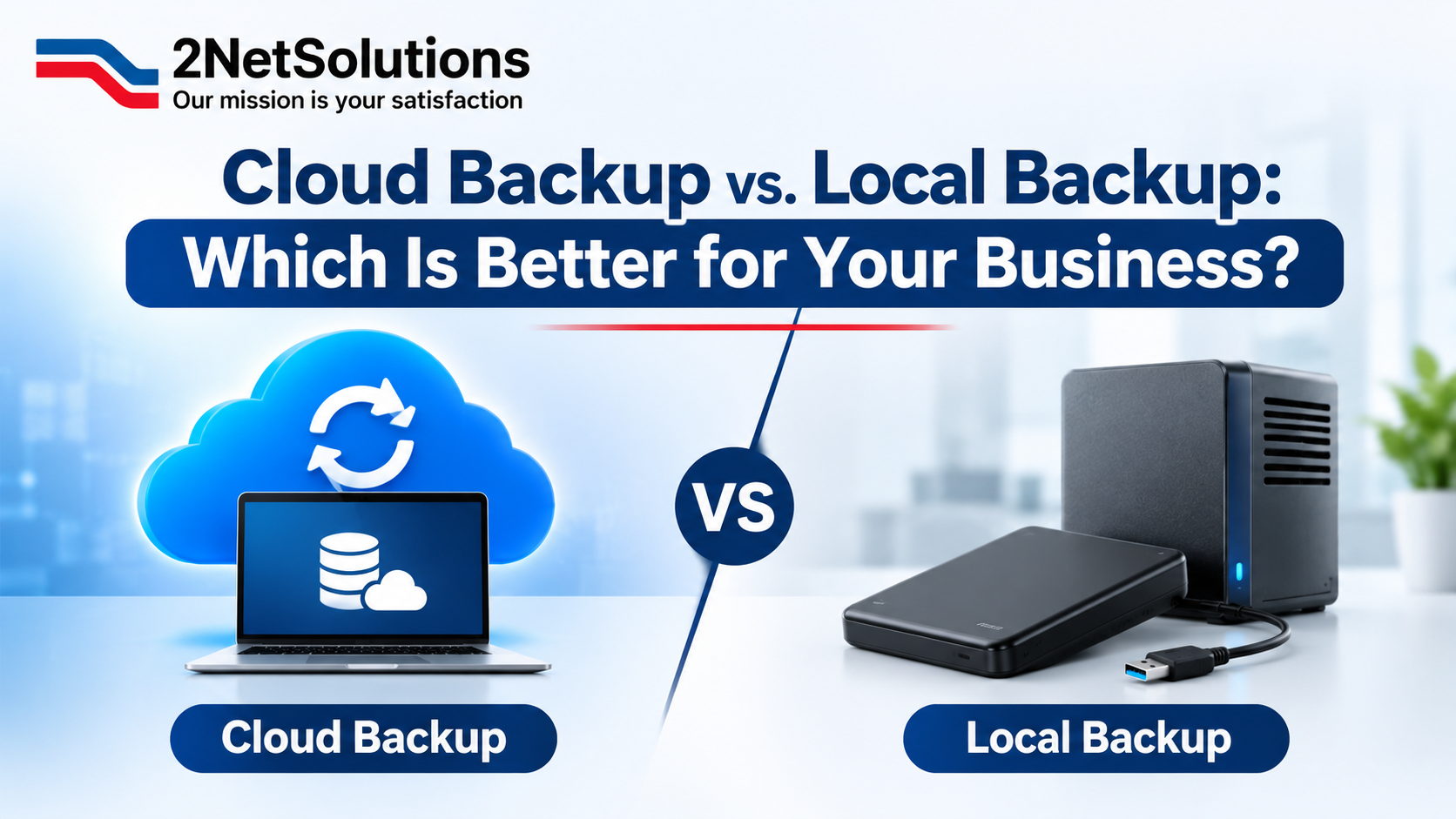
Cloud backup is a way to save business files on online servers instead of keeping them only on office computers or storage devices. These files are stored through a cloud service provider and can be accessed through the internet.
This option allows businesses to keep their data safe even if a computer is damaged, stolen, or stops working. Employees can also access saved files from different locations, depending on their access rights.
Cloud backup is useful for businesses that work with remote teams or have more than one office. It also helps reduce the need to manage physical storage devices.
How Does Cloud Backup Work?
Cloud backup works by copying business files and sending them to secure online storage. Many services allow users to set automatic backups, so new and changed files are saved at regular times.
When a business loses important data, users can access the cloud account and restore the saved files. This makes it easier to continue daily work without starting everything again.
Benefits of Cloud Backup
One major benefit of cloud backup is easy access. Employees can access saved files from different places when they have an internet connection and the right login details. This is helpful for businesses with remote workers.
Another benefit is automatic backup. Once the service is set up, files can be saved without employees having to copy them by hand. This saves time and lowers the chance of missing important files.
Cloud backup also makes it easier to add more storage space as a business grows. Companies can choose a plan that meets their needs and increase storage when required.
It also protects business data if office computers or storage devices are damaged. Since another copy of the files is saved online, businesses have another way to recover their data.
Drawbacks of Cloud Backup
Cloud backup also has some limits. A stable internet connection is needed to upload, download, and restore files. Slow internet can make these tasks take longer.
Some cloud services charge monthly or yearly fees. These costs may increase when a business needs more storage space.
Businesses must also protect their cloud accounts with strong passwords and other safety steps. Without proper account security, important files may be at risk.
How Does Local Backup Work?
Local backup works by copying files from computers and servers to a physical storage device. Businesses can do this manually or set up software to save files automatically.
For example, a company may save important office files to an external hard drive every day. If the main computer stops working, the saved files can be copied to another device.
However, businesses must keep these devices safe and check them regularly to make sure backups are working.
Benefits of Local Backup
One of the main benefits of local backup is quick access to saved files. Since the data is stored on a physical device, businesses can restore files without downloading them from the internet.
Local backup also gives businesses more control over their data. They can decide where to store backup devices and who can access them.
Another benefit is that local backup does not always require monthly storage fees. After buying the storage device, businesses can use it until it needs to be replaced or upgraded.
It can also work well for companies that handle large files and need to save or restore them often.
Drawbacks of Local Backup
Local backup has some risks. If a storage device is damaged, lost, or stolen, the saved data may also be lost. This can become a serious problem if there is no second copy.
Physical storage devices also have limited space. As a business saves more data, it may need to buy additional devices.
Another challenge is regular maintenance. Employees or IT teams must check backup devices and make sure files are being saved correctly.
Cloud Backup vs. Local Backup: Key Differences
When comparing Cloud Backup vs. Local Backup, it is important to know how both options are different. Both have their own benefits, and the right choice depends on your business needs.
Cost and Storage Space
Cloud backup usually has monthly or yearly fees. The cost depends on how much space your business needs. You can also add more space as your business grows.
Local backup requires buying storage devices such as hard drives. You may need to pay more at the start, but there may not be monthly fees. However, you may need to buy more devices when you run out of space.
Data Safety and Security
Cloud backup saves files online, away from your office. This helps protect your data if office computers or storage devices get damaged. Many cloud services also have safety features to protect your files.
Local backup gives businesses control over their storage devices. However, these devices need to be kept in a safe place to protect them from theft, fire, water, or damage.
Both options need strong passwords and regular checks to keep business files safe.
Access to Business Files
Cloud backup allows employees to access saved files from different places through the internet. This is helpful for businesses with employees working from home or different offices.
Local backup allows users to open saved files through connected storage devices or office networks. It can work without the internet, but users may need to be near the device to access the files.
Data Recovery Speed
Local backup can help restore files quickly because the saved data is already on a nearby device. This is helpful when a business needs to recover large files.
Cloud backup needs an internet connection to restore files. Small files may take less time to download, while large files may take longer, depending on internet speed.
When Should Your Business Choose Cloud Backup?
Cloud backup is a good option for businesses that need to access files from different places. It also helps companies save files automatically without using many storage devices.
Small businesses can use cloud backup to keep their important files safe without setting up large storage systems. It is also useful for companies with remote teams. 2netsolutions helps businesses understand their backup needs and choose the right way to keep their data safe. 2netsolutions helps businesses understand their backup needs and choose the right way to keep their data safe.
Best Businesses for Cloud Backup
Businesses with multiple offices can benefit from cloud backup because employees can access files from different locations. Companies that work with remote teams can also use it to share and restore important data.
It is also useful for growing businesses that need more storage space over time. Instead of buying new physical devices, they can choose a cloud plan that meets their changing needs.
When Should Your Business Choose Local Backup?
Local backup can be a good choice for businesses that need quick access to large files or have a slow internet connection. It is also useful for companies that want to keep their files on their own storage devices.
For example, businesses that work with large design files, videos, and other documents may choose local backup because it allows them to restore files quickly.
Best Businesses for Local Backup
Local backup works well for businesses that need to get their files back quickly. It is also a good option for companies that have an IT team to manage storage devices and check saved files.
Businesses that want to keep copies of important files in their office can also use local backup. However, they should keep their storage devices in a safe place and always have another copy of their important data.
Why Using Both Cloud and Local Backup Can Be a Better Choice
Businesses do not have to choose only one backup option. Using both cloud and local backup can help keep important files safe.
Local backup helps businesses access saved files quickly, while cloud backup keeps another copy of files online. If a storage device gets damaged, the business can still get its files from the cloud.
Using both backup methods gives businesses another way to get their files back if something goes wrong. It also helps reduce work delays and keeps important business files safe.
Benefits of Using Both Backup Methods
Using both options gives businesses extra copies of their important files. It also helps protect data if one backup method stops working.
Businesses can use local backup to get files quickly and cloud backup to keep another copy online. This makes it easier to get lost files back and lowers the risk of losing important business data.
How to Choose the Right Backup Solution for Your Business
Choosing between Cloud Backup vs. Local Backup starts with knowing what your business needs. Every business saves different types and amounts of data, so the same backup option may not work for everyone.
First, check how much data your business needs to save. If your company works with large files every day, local backup may help you get your files back faster. If your employees need to access files from different places, cloud backup may be a better choice.
Next, think about your budget. Compare the cost of cloud storage plans with the cost of buying and looking after physical storage devices.
You should also check your internet connection, file safety, and how quickly you may need your files back. Think about how often you need to save your files and who should be able to access them.
A good backup plan should save your files regularly and make it easy to get them back when needed. Check your backups from time to time to make sure your files are saved properly and can be restored when needed.
Final Thoughts: Cloud Backup vs. Local Backup
Choosing between cloud backup and local backup depends on what your business needs. Cloud backup lets you save and access files online. Local backup keeps your files on physical devices and gives you quick access without the internet.
Both options help keep your business files safe. You can also use both methods to get better protection. The most important thing is to save your files regularly and make sure you can get them back when needed.
Need help choosing the right backup solution for your business? contact us today ! Our team can help you find a simple and reliable way to keep your business data safe.
Protect Your Business Data with the Right Backup Solution
Keeping business data safe should be a priority for every company. The right backup solution can help protect important files, reduce work delays, and support daily business needs.
If you need help choosing between cloud and local backup, professional IT support can help you find the right solution. Review your storage needs, improve your data safety plan, and take steps to protect your business files.
Frequently Asked Questions
Cloud backup saves files online, while local backup saves files on devices like hard drives and computers.
Cloud backup lets you access files online, while local backup gives you quick access to saved files. The best choice depends on your business needs.
Yes, cloud backup can keep business files safe when you use a trusted service and strong passwords.
A business should save a copy of its important files every day or whenever new changes are made.
Yes, a business can use both methods to keep extra copies of important files and reduce the risk of losing data.