
Cloud technology helps businesses save data, use software, and manage daily work online. It gives easy access to files and systems from different places while helping reduce costs. However, cloud services can also face security threats. Hackers often target cloud systems because they contain important business and customer information.
Strong cloud security helps keep data safe, protect customer details, and support smooth business operations. Without proper protection, businesses may experience data loss, service interruptions, financial losses, and reduced customer trust.
Many businesses also use Cyber security Services to strengthen protection and reduce security risks.
This guide shares nine simple and effective ways to improve cloud security and help keep your business safe.
Understand Your Shared Security Responsibility
One of the first steps in cloud security is knowing who is responsible for security. Many businesses think the cloud provider takes care of everything, but that is not the case.
Cloud providers protect the servers, networks, and systems they manage. Businesses are responsible for protecting their own data, user accounts, apps, and access settings.
Understanding these roles helps avoid security problems. When both the cloud provider and the business do their part, cloud systems become more secure.
Businesses should check their cloud provider's security information and understand which security tasks they need to manage themselves.
Use Strong Passwords and Multi-Factor Authentication
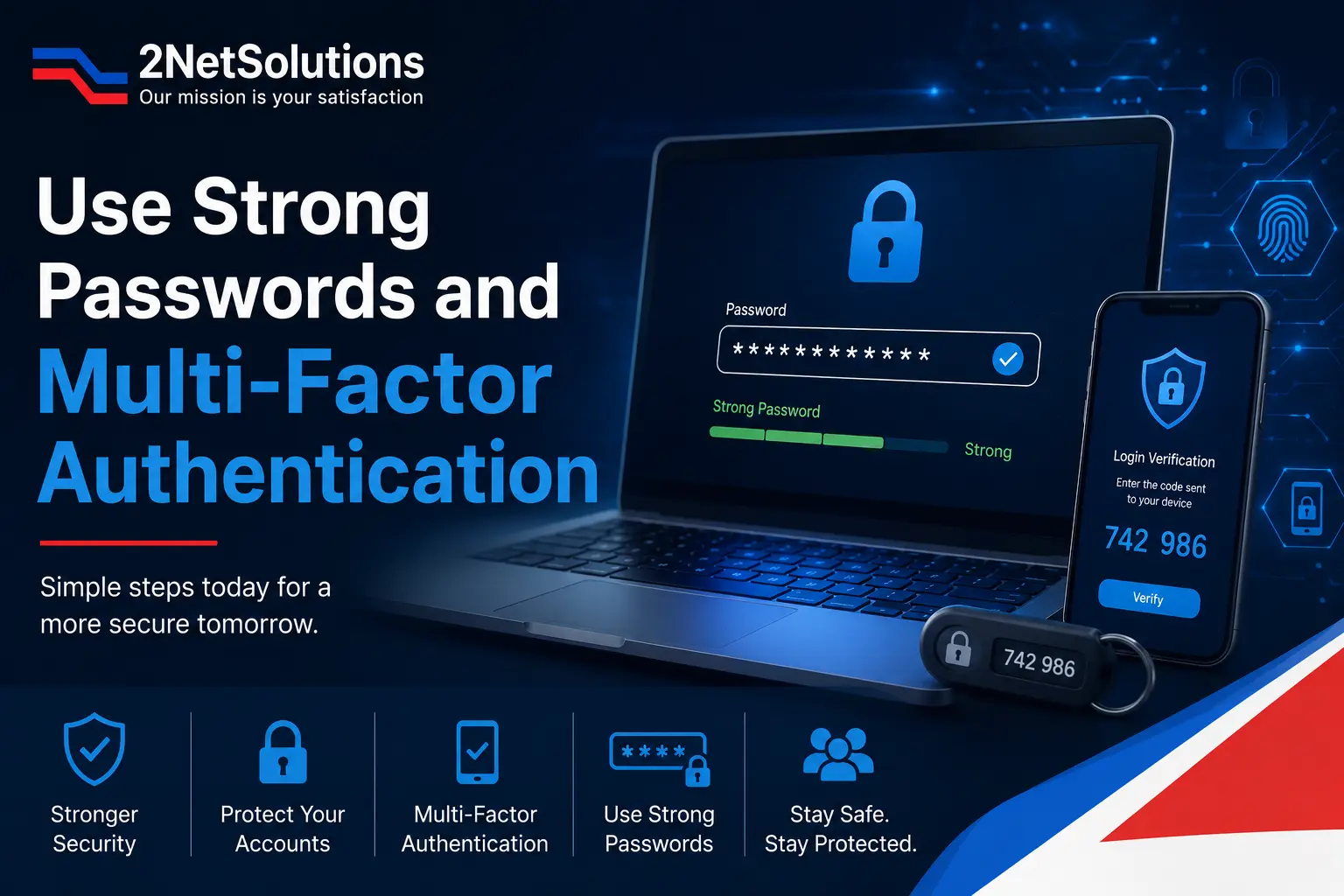
Weak passwords are one of the biggest reasons cloud accounts get hacked. Many hackers can enter accounts by guessing passwords or using passwords that have been stolen.
Employees should create strong passwords that are hard to guess. A good password should include letters, numbers, and special characters. Using the same password for multiple accounts should be avoided.
Multi-factor authentication (MFA) gives extra security. After entering a password, users must complete another step to confirm their identity. This may be a code sent to their phone or an authentication app.
Even if someone gets a user's password, MFA can help stop them from entering the account. Businesses should turn on MFA for all cloud accounts, especially accounts with higher access levels.
Control User Access Carefully
Not every employee needs access to all company data. Giving people access to information they do not need can increase security risks.
Businesses should give access based on each employee's job. Workers should only be able to see or manage the information they need for their daily tasks.
A good security rule is to give users only the access they need to do their work. This helps keep important data safe and reduces the chance of mistakes or unauthorized access.
Access settings should be checked regularly. When employees change jobs or leave the company, their access should be updated or removed right away. This helps prevent old or unused accounts from creating security problems.
Encrypt Sensitive Data
Encryption is a simple way to keep data safe in the cloud. It changes information into a protected form that cannot be read without the correct access key.
If hackers get access to encrypted data, it is much harder for them to understand or use the information.
Businesses should protect data while it is stored in the cloud. This includes files, databases, and backup copies.
Data should also be protected when it moves between devices and cloud systems. This helps keep information safe during transfer.
Using encryption adds an extra layer of security and helps protect important business and customer data.
Keep Software and Systems Updated
Old software can make your cloud system less safe. Hackers often look for weak points in older programs and systems to gain access.
Software updates help fix these weak points and improve security. Installing updates on time can help stop hackers from using known problems to attack your system.
Businesses should update their cloud applications, operating systems, and security tools regularly. Automatic updates can make this process easier and help ensure important updates are not missed.
Regular updates and basic maintenance help keep cloud systems safe and better protected from new security risks.
Monitor Cloud Activity Continuously
Cloud security needs regular monitoring. Businesses should keep an eye on cloud activity to find problems early before they become bigger issues.
Security tools can track user activity, login attempts, file access, and system updates. These tools can quickly spot unusual actions and send alerts when something seems wrong.
For example, several failed login attempts or a login from an unknown location could be a sign of unauthorized access.
Checking security records regularly also helps businesses see what is happening in their cloud systems. Finding problems early can help stop security issues before they cause damage.
Regular monitoring helps businesses react faster and keep their cloud environment safer.
Back Up Important Data
Data can be lost for many reasons, such as cyberattacks, accidental deletion, system issues, or software errors. Regular backups help businesses get their important data back if a problem happens. A good backup plan can reduce downtime and keep work running smoothly.
Businesses should back up their data on a regular schedule. Many choose to do this every day or every week. It is also a good idea to keep backup copies in a different location. This helps protect data if the main system stops working.
Businesses should test their backups from time to time to make sure the data can be restored when needed.
Regular backups are an important part of keeping cloud data safe.
Train Employees on Cloud Security
Technology cannot keep your cloud safe on its own. Employees also play an important role in cloud security.
Many security problems happen because of simple mistakes. Employees may click unsafe links, share private information, or use weak passwords.
Regular training helps employees learn about common online threats and safe internet habits. They should know how to spot fake emails, suspicious websites, and scam attempts.
Training should also teach employees how to create strong passwords, share files safely, and protect company information.
When employees understand security risks and follow safe practices, they help keep the business and its data protected.
Secure Cloud Configurations
Wrong cloud settings are a common reason for data leaks. Even good security tools may not keep data safe if cloud systems are not set up correctly.
Businesses should check their cloud settings regularly and avoid using default settings. Default settings may not provide enough protection for important business data.
Storage access should be reviewed often to make sure private data is not open to the public. File sharing settings should also be checked to prevent information from being shared by mistake.
Regular security checks can help find problems early before hackers take advantage of them. Setting up cloud systems the right way helps keep data safe and lowers security risks.
Create an Incident Response Plan
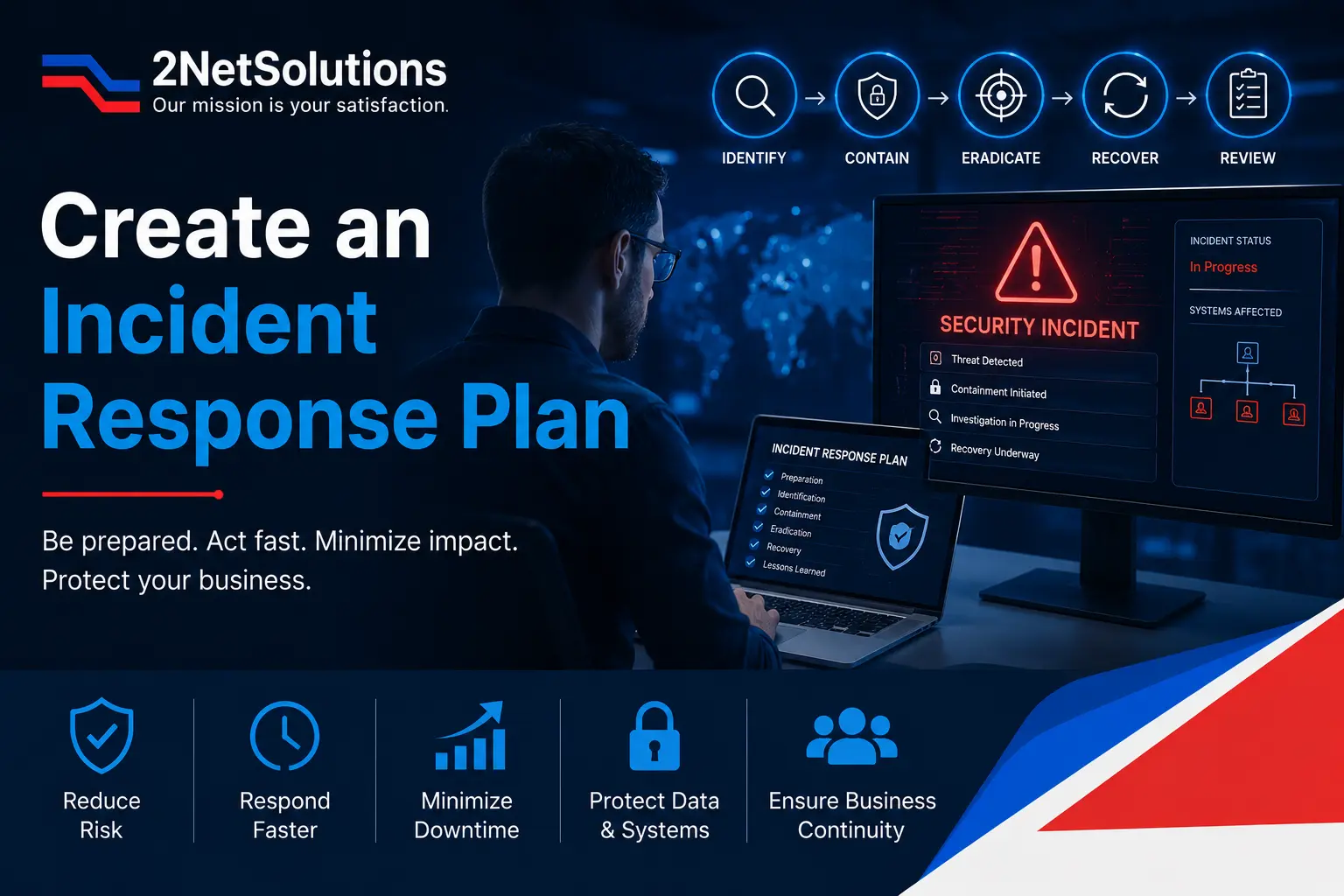
No security system can stop every threat. That is why businesses should be ready if a security problem happens.
An incident response plan is a simple guide that explains what employees and security teams should do during a security issue. It should clearly explain who is responsible for each task, how to share information, and how to get systems working again.
When a threat is found, acting quickly can reduce damage and help avoid long delays. Security teams should know how to stop the problem, find out what caused it, and bring systems back to normal.
After the issue is fixed, businesses should review what happened and look for ways to improve their response in the future.
A good response plan helps businesses deal with security problems faster and recover more quickly.
Conclusion
Cloud technology offers many benefits, but keeping cloud systems safe requires regular care and attention. Businesses should take simple steps to protect their data, systems, and user accounts from security threats.
Knowing your security responsibilities, using strong passwords and multi-factor authentication, limiting user access, protecting data, keeping software updated, checking system activity, creating backups, training employees, and preparing for security issues can all help improve cloud security..
Businesses that follow these steps can lower security risks and create a safer cloud environment. Protecting cloud systems helps keep important information safe, build customer trust, and support business growth.
If you need help improving your cloud security, contact us today to learn how our team can help protect your business and data.
Frequently Asked Questions
Cloud security is the process of protecting cloud-based data, applications, and systems from unauthorized access, attacks, and data loss.
Cloud security helps protect sensitive business information, reduces security risks, and keeps operations running smoothly.
MFA is a security feature that requires users to verify their identity with an extra step, such as a code sent to their phone.
Cloud data should be backed up regularly, such as daily or weekly, depending on business needs and the importance of the data.
Businesses can improve cloud security by using strong passwords, enabling MFA, controlling user access, encrypting data, and monitoring cloud activity regularly.